What Roofing CRM Has the Best Automation Features for Crews?
What roofing CRM has the best automation features comes down to which trigger a crew needs most, because six separate automations run a roofing operation and no platform leads on all six. Every vendor page uses the word automation. Underneath it sit three different things: a saved template somebody presses, a single message fired by one event, and a multi-step sequence that keeps going on its own. This piece names the six automations a roofing crew actually runs, shows what the five most-shortlisted platforms document about them, and ends on the limit every one of them shares. Automation lists move fast on every vendor's site. Anything named below is worth re-checking before a contract.
What Roofing CRM Has the Best Automation Features Depends on the Trigger
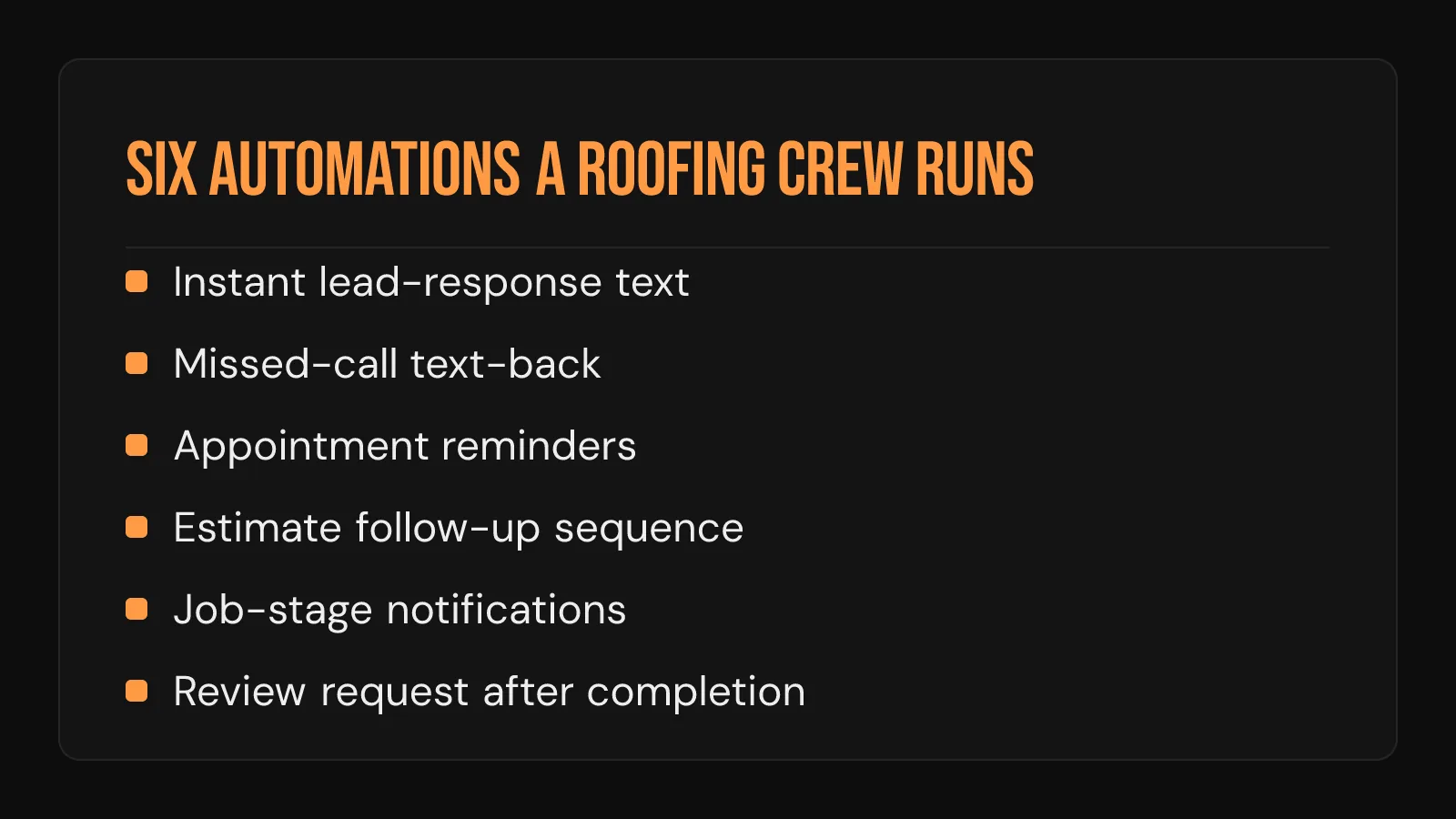
An automation is defined by the event that fires it. Six of them carry almost all the value for a four to 20 person crew:
- Instant lead-response text. Fires the moment a form submission or a new lead record lands. Homeowners decide in minutes, yet the industry average response time is still 42 hours.
- Missed-call text-back. Fires when an inbound call ends with nobody picking up. This one behaves differently from the other five, and it gets its own section below.
- Appointment reminders. Fires on a clock, a set number of hours before a scheduled inspection or install.
- Estimate follow-up sequence. Fires after a proposal goes out and no reply comes back inside a set interval.
- Job-stage notifications. Fires when somebody moves the job forward a stage, telling the homeowner what just happened.
- Review request after completion. Fires when the job is marked complete or the final invoice is paid.
The order of that list changes with the job mix. A crew living on insurance restoration weights job-stage notifications highest, because a homeowner waiting on an adjuster asks for status weekly. A retail crew quoting daily weights the estimate follow-up sequence highest. Commercial work sorts differently again, and what a commercial bid pipeline needs the record to track starts from bid deadlines.
What the Platforms Actually Document
The table below carries only what each vendor states on its own pages, checked in August 2026. Which plan a given automation sits on is rarely published at all, so treat plan availability as a demo-call question. If the shortlist itself is still open, the evaluation criteria behind a CRM shortlist covers pipeline fit, seats, and export policy.
| Platform | What its own pages document about automation | What fires it |
|---|---|---|
| AccuLynx | Automated texts triggered by job events, job milestone changes, and order-related events, logged on the job file | A change to the job record |
| JobNimbus | An automations area covering task creation through email communications | A change to the job record |
| Roofr | Automations that change job statuses, update proposals, assign tasks, and update homeowners when events are scheduled or changed | A change to the job or calendar record |
| ServiceTitan | Automated SMS in the front office, automated alerts on an important change, scheduling automated from the moment a customer books | A booking or a record change |
| Jobber | Automated quote follow-ups, visit reminders by email or text, booking confirmations, invoice follow-ups, automatic Google review requests | A stage in the customer lifecycle |
Read the right-hand column and the trigger events sort onto two clocks:
- The job clock. AccuLynx, JobNimbus, and Roofr fire on inspection, supplement, and build. A crew whose work stalls in supplements wants this one.
- The customer clock. ServiceTitan and Jobber fire on quote, visit, invoice, and review. A crew losing estimates it never followed up wants this one.
Which platforms roofing crews actually run shows adoption sorting along the same line.
The review row deserves a second look. Getting from zero reviews to five can lift conversion by up to 270%. A request that goes out the same afternoon the crew rolls off the roof is the cheapest review engine a company can run, and the reputation work it feeds compounds from there.
Three Things Sold Under One Word
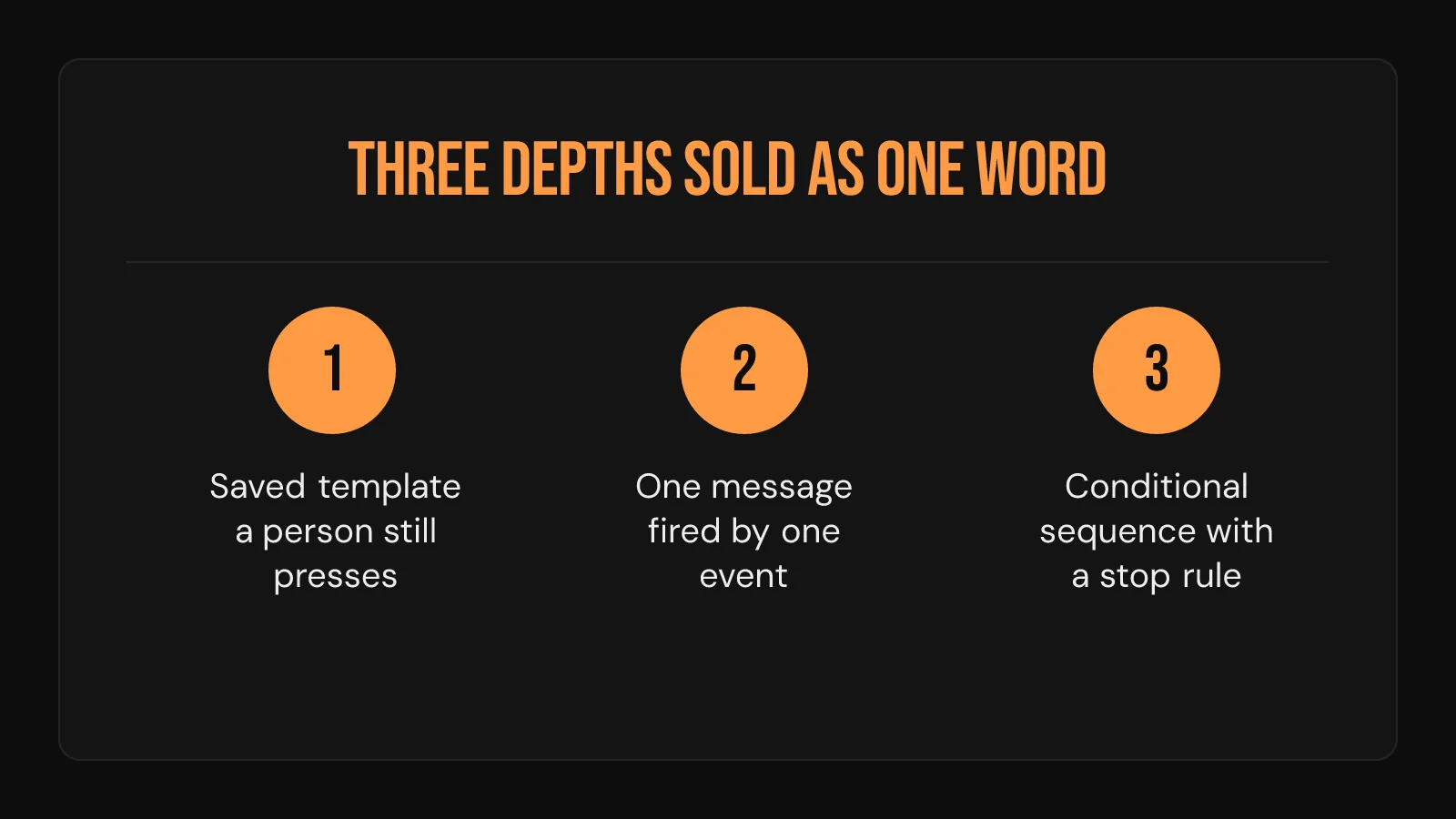
Trigger vocabulary is only half of what roofing CRM has the best automation features really turns on. The other half is depth, and the word covers three of them:
| Depth | What fires it | What it carries | Where it stops |
|---|---|---|---|
| Saved template | A person, pressing send | One pre-written message | Somebody has to remember |
| Single triggered message | One event on the record | One message, one time | It fires once and ends |
| Conditional sequence | An event, then time and reply conditions | Several messages, with a stop rule | Every step reads the same record |
The stop rule is the tell. A real sequence shuts itself off when the homeowner replies, books, or signs. A shallow one keeps texting somebody who already said yes, which is worse than sending nothing at all.
Depth matters most on the estimate follow-up, because one message is almost never enough. 80% of sales take five or more follow-ups to close. A saved template asks a busy owner to make that fifth attempt from memory on a Friday in June. Where a no-cost plan draws this line is its own question, and where a free tier caps out covers the seat, contact, and export limits sitting alongside it.
Missed-Call Text-Back Is the Odd One Out
Five of the six automations above fire on a record. This one fires on a phone. 27% of calls to home services businesses ring out with nobody picking up. Every one of those calls happens outside the CRM entirely:
- A homeowner calls while both crews are on a roof.
- The call rings out. No lead record is created, because nobody filled in a form.
- She calls the next roofer on her list.
- The pipeline looks clean all afternoon, because nothing entered it.
That is why missed-call text-back sits in a different layer from the rest. It needs the phone system and the record talking to each other, and none of the five vendor pages above names it as an automation trigger. Some crews solve it inside their phone provider. Some route it through a separate follow-up system. Very few solve it by picking a different CRM.
An Automation Only Fires on Data Somebody Entered
Here is the limit every platform in that table shares. An automation reads a field. If nobody changes the field, nothing happens, and nothing tells anyone that nothing happened. The failure is silent, which is what makes it expensive:
- A job sits in "estimate sent" for three weeks because the crew lead never moved it, so the sequence never starts.
- A lead gets typed in Thursday for a call that came in Monday, so the instant-response text goes out three days late and reads as strange.
- A finished job never gets marked complete, so the review request waits behind a checkbox nobody ticks.
- A phone number gets entered with a typo, so five scheduled messages go nowhere and the log still shows them as sent.
That is the honest shape of the tool. An automation sits downstream of somebody entering something, and the crew's habit of entering it is the real feature under evaluation. A CRM automates the follow-up and leaves the answering to a person.
That gives a demo three questions worth more than any feature list:
- What does the platform do when a stage never moves?
- What stops a sequence once the homeowner replies?
- Where does a message go when the phone number is wrong?
Where The Trust Process Fits
The Trust Process does not sell, resell, or set up CRM software of any kind. Nothing here is a recommendation to buy a platform, and no configuration service sits behind it.
One honest overlap is worth naming. The Automated SMS Delivery and Lead Nurturing System runs scheduled follow-up on top of whatever record a crew already keeps, and the Inbound Voice Agent answers the call that never becomes a record in the first place. Text follow-ups get 45% response rates and convert 112.6% higher than any other channel. That same layer gets covered from the buying side in the follow-up work that decides whether a CRM turns into booked jobs.
Frequently Asked Questions
Is there one roofing CRM with the best automation features for every crew?
No, because the six triggers matter in different orders depending on the job mix. A restoration crew weights job-stage notifications highest, while a retail crew weights the estimate follow-up sequence highest. Score a shortlist against the two or three triggers that carry your own week.
Which CRM automations does a roofing crew actually turn on?
The response-side ones get switched on first and stay on: instant lead-response and appointment reminders. Review requests and estimate follow-ups usually come second, once the crew trusts the record enough to let it send things on its own. Job-stage notifications tend to arrive last, because they only work when stages move in real time.
Do the leading roofing platforms differ much on automation, or is it the same feature set?
They differ more in what fires an automation than in what it sends. The roofing-specific platforms document triggers built on job events and milestones, while the general field-service platforms document triggers built on the customer lifecycle. Both send texts and emails, so the question is which trigger vocabulary matches how a crew already describes a job.
What happens to a CRM automation when nobody updates the job stage?
Nothing fires, and nothing reports that nothing fired. The pipeline still looks orderly on screen while follow-ups quietly stop going out, which is the most common reason a crew decides the software is broken. A weekly stale-deal review catches it faster than any automation setting does.
Can a roofing CRM automation answer an inbound call?
No. Every automation on the platforms above acts on a record that already exists, and an unanswered call creates no record at all. Answering a live call is a separate layer from the CRM, whether that layer is a person, an answering service, or an automated voice system.