How to Choose a CRM for Roofing Without Buying Twice
How to choose a CRM for roofing comes down to a fit test: can the record keep up with the way a four to 20 person crew actually runs jobs? Most buying guides for roofing software are written by the companies selling it, and they end the same way every time, with the vendor's own logo at the top of the list. This guide has no software to sell. It covers the six jobs the record has to do, the platforms most crews shortlist, the migration traps, and the honest threshold below which a spreadsheet still wins.
How to Choose a CRM for Roofing: Six Jobs the Record Has to Do
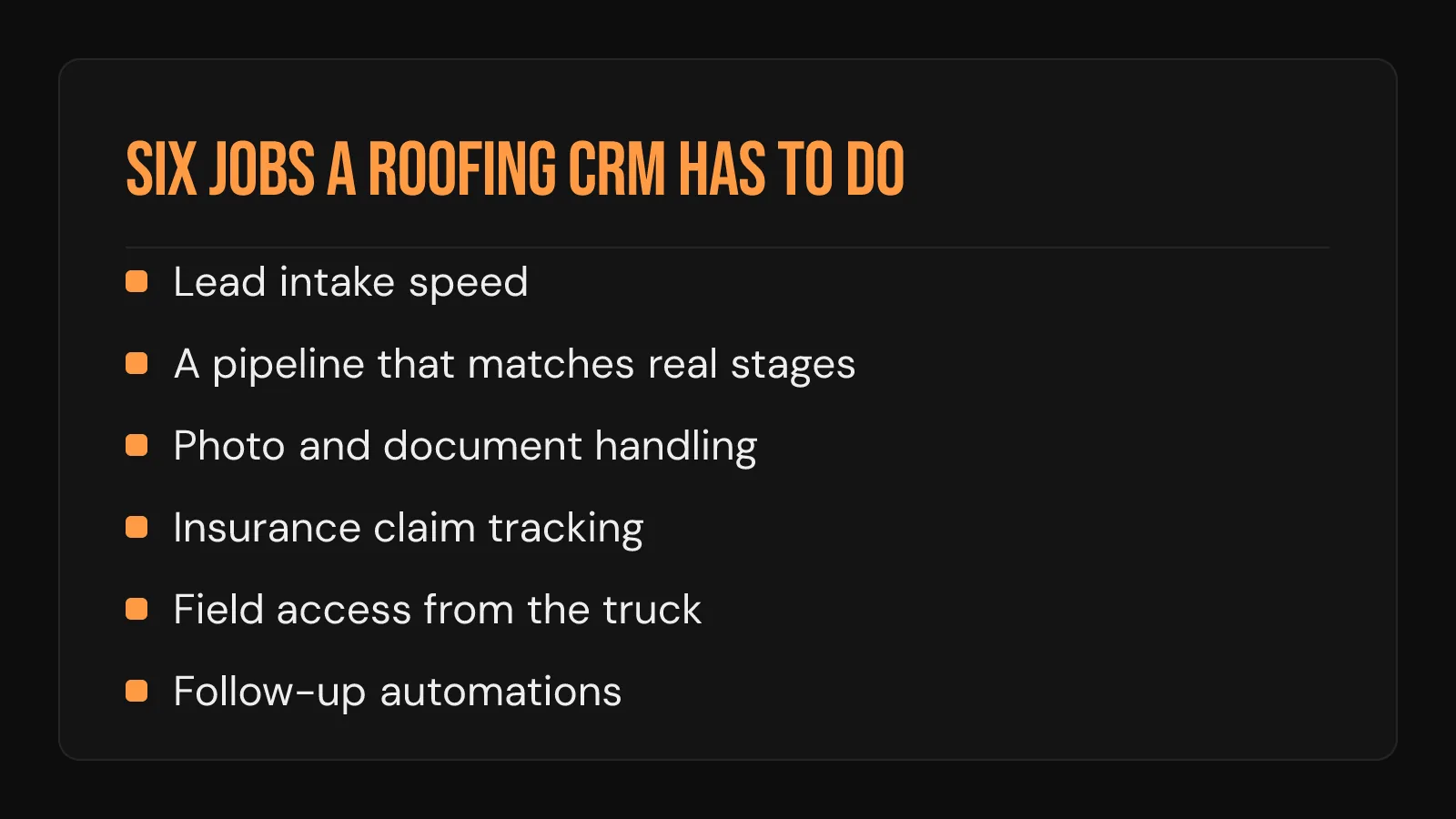
Feature lists blur together in a demo. The way through is to score every platform against the six jobs a roofing crew needs the record to do on a Tuesday in June, with two crews out and a storm rolling in:
- Lead intake speed. A new lead lands in the record the moment the form or call comes in, with an alert somebody actually sees.
- A pipeline that matches real stages. Inspection, estimate, contract, build, invoice. If the crew's real stages need workarounds on day one, adoption dies by week three.
- Photo and document handling. Roof photos, measurement reports, signed contracts, and supplement paperwork attach to the job itself, and anyone can pull them up from a driveway.
- Insurance claim tracking. Storm work runs on adjuster names, claim numbers, and supplement status. A generic sales tool has no field for any of it.
- Field access. The record updates from a phone in the truck, on a job site, with one bar of signal.
- Follow-up automations. Day-three reminders, missed-call texts, and estimate follow-ups fire on their own, without anybody remembering.
A crew running commercial work should add a seventh job: what a commercial bid pipeline needs the record to track is a different list, starting with multiple stakeholders and hard bid deadlines.
The Platforms Most Crews End Up Shortlisting
Five names come up over and over when roofing crews compare notes. Every one of them carries a tradeoff the sales page skips. Feature sets and pricing change often, so confirm anything that matters on the vendor's own site the week you decide. A separate look at which CRM roofing contractors of each size actually run explains why these same names keep filling the shortlists.
| Platform | Built for | Stands out for | The honest tradeoff |
|---|---|---|---|
| AccuLynx | Roofing-specific, leans residential and storm restoration | Aerial measurement integration, material ordering, and insurance supplement workflows | Quote-only pricing, and reviewers report add-ons and per-seat fees raise the real cost for small crews |
| JobNimbus | Roofing and general contracting, small to mid crews | Board-style pipeline with built-in insurance claim tracking | Pricing is unpublished, and some contractors report mobile app instability |
| Roofr | Crews that estimate off aerial measurements | Fast measurement reports, signable branded proposals, and a free starter tier | Measurement reports bill separately on top of any plan |
| ServiceTitan | Multi-crew field service operations across several trades | Deep insurance tooling, including Xactimate sync and supplement tracking | Quote-only pricing, long contracts, and heavy onboarding sized for bigger operations than a crew of four to 20 |
| Jobber | General field service, very small crews | The lowest entry cost of this group, with public flat-tier pricing | No native insurance claim workflow, and job costing sits on a higher plan |
The split that matters runs down the middle of that table: roofing-specific platforms carry claim tracking and measurement tools out of the box, while general field-service platforms cost less to start and leave the roofing-shaped gaps to you. A crew living on storm and insurance work should weight claim tracking above every other row.
An Evaluation Checklist Sized for a Four to 20 Person Crew
Most advice on how to choose a CRM for roofing stops at the feature list. The checklist below tests fit, in the order that catches the expensive mistakes earliest:
- Run your last five real jobs through the demo. Your own lead sources, your own stages, your own photos. The vendor's sample data proves nothing about your workflow.
- Count the real seats. The owner, the office admin, every crew lead who touches a record. Per-seat pricing that looked fine for three users reads differently at nine.
- Read the export policy before entering a single job. If job history, notes, and photos cannot leave in a usable format, the platform owns your data from day one.
- List the automations your tier actually includes. Vendors hold follow-up sequences and text triggers for higher tiers more often than any other feature, so score each one against the automations a roofing crew actually runs.
- Call a crew your size already running it. Ask what broke, what the crew stopped using, and what the real monthly bill looks like with add-ons.
Contractors who heard from real customers first were 5.2x happier with what they bought, and 68% decide within three months. Software Advice published that finding, and the reference call it argues for is the cheapest step on this list. Adoption failures show up first in the follow-up work a sales pipeline runs on, so ask the reference crew about that before anything else.
What the Pricing Tiers Buy
Dollar amounts shift too often to print, and several major vendors publish no pricing at all. The tier structure underneath is stable enough to plan around:
| Tier posture | What it usually covers | What to check before signing |
|---|---|---|
| Free tiers | Contact records, a pipeline view, one to three seats | Seat caps, contact caps, and the export policy |
| Entry flat plans | Core pipeline plus a mobile app for a few users | Which automations are held back for upper tiers |
| Mid per-seat plans | Automations, integrations, claim tracking | The per-seat math at your real headcount |
| Quote-only suites | Full platforms with onboarding and contracts | Contract length, onboarding lift, and exit terms |
The free row deserves its own homework: what the no-cost tier covers and where it caps out decides whether it is a genuine starting point or a mid-season forced upgrade waiting to happen.
Migration Gotchas That Eat a Season
Switching systems costs more than the new subscription, and the costs hide in predictable places:
- Exports rarely carry everything. Contact names travel. Job notes, photo attachments, and claim history often stay behind, and re-entering them by hand takes weeks.
- Automations rebuild from zero. Follow-up sequences, reminder triggers, and templates all get rebuilt in the new system, and leads slip until they are.
- Timing is a real decision. A switch in the middle of storm season means learning new software during the busiest weeks of the year.
- Parallel running has a limit. Two systems for two weeks is a safety net. Two systems for two months means neither one is the record anyone trusts.
When a Crew Does Not Need a CRM Yet
A shared spreadsheet is still the honest answer for part of this market. The no-software case holds when all three of these are true:
- One or two people handle every lead, quote, and follow-up
- Active jobs and leads stay under a couple dozen at a time
- Nobody needs job records in the field beyond a phone call to the office
The threshold to move is behavioral:
- A lead sits three days because no reminder existed anywhere
- Two people quote the same job twice without knowing it
- A crew lead keeps calling the office for details a record should answer
Any one of those means the crew has outgrown the tab. Buying earlier than that adds a monthly bill and a login nobody opens.
What The Trust Process Does Here
The Trust Process does not sell, resell, or set up CRM software. The adjacent work here is the follow-up speed layer: the Automated SMS Delivery and Lead Nurturing System and the Inbound Voice Agent answer before any CRM record exists. Call a lead inside five minutes and you are 100x more likely to reach them and 21x more likely to qualify them than if you wait half an hour. 44% of salespeople give up after a single follow-up. Both problems live underneath the software decision, which is why a five-minute response system matters on a free spreadsheet and on the most expensive suite in the table above alike.

The record keeps score. The speed layer underneath it wins the job.
A closer look at what a crm for roofing company actually needs running underneath it covers that layer from the software side.
Frequently Asked Questions
Is there one best CRM for a roofing crew of four to 20 people?
No single platform wins at every crew size and job mix. A storm-restoration crew usually lands on a roofing-specific platform for the claim tracking, while a small retail-only crew often does fine on a cheaper general field-service tool. The six-jobs list above is the fit test.
How is choosing a CRM for a roofing crew different from picking a generic sales tool?
Roofing adds three requirements a generic sales pipeline never sees: insurance claim and supplement tracking, photo and measurement documents attached to the job, and field updates from a truck. A tool missing those turns into a data-entry chore the crew abandons.
Should a small roofing crew start on a free CRM tier before paying for one?
Often, yes. A free tier proves whether the crew will actually keep records current before any money is committed. Check the seat cap, the contact cap, and the export policy first, so an eventual upgrade happens on the crew's schedule with the job history intact.
What if the crew stopped using the last CRM we paid for?
That usually points at workflow fit, and it is the most common story in the reference calls. A system whose stages were built around a software sales team makes every update feel like extra work for a roofing crew. Re-run the choice with the demo built on your own last five jobs, and let the crew leads who will live in it cast the deciding vote.