How to Market a Roofing Company With Google Ads Yourself
How to market a roofing company with Google Ads comes down to filtering: the campaign lets the right searches in, and the settings keep the wrong clicks out. This guide is written for the owner running the account himself. It covers campaign structure, the three match types, the negative keywords a roofing account needs on day one, geo targeting, ad copy that pre-qualifies the click, the landing page behind it all, and the budget math that says when to scale and when to walk away. Plan a weekend for the build and a short block each week after that. If paid search is still competing with other channels for the next dollar, the channel-by-channel view of advertising a roofing business settles that order first.
How to Market a Roofing Company With Google Ads: The Build Order
Work through the setup in this sequence. Each step filters the traffic the next one has to handle:
- Pick one service line to advertise first, the one with the best margin and open crew capacity
- Build one campaign for that service line, with ad groups split by search intent
- Set location targeting to the ZIPs or radius the crew actually drives
- Load phrase and exact match keywords, plus a starter negative list
- Write ad copy that filters out the searchers you never want to pay for
- Point every ad at a landing page about that exact service
- Set the budget from the real cost per lead, and judge results by booked jobs
The order matters because every step inherits the filtering of the step above it. A perfect landing page still loses money under a campaign that buys clicks from job seekers three states away.
Campaign Structure and Geo Targeting for a Roofing Crew
The budget lives at the campaign level, and that single fact decides the structure:
- One campaign per service line, so repair emergencies and replacement quotes never fight over the same daily cap
- One ad group per intent inside each campaign: urgent fixes in one, cost research in another, each with its own matching ad
- Location options set to presence, so ads show to people physically in the service area. The default also reaches people merely interested in it, which for a roofer means paying for out-of-state clicks
- Targeting drawn as the ZIPs or radius the crew genuinely covers, with the unprofitable edges cut
A tight map beats a big one. Every mile added to the radius buys clicks from homes the crew would lose money driving to.
Match Types and Negative Keywords for Roofing Searches
Google Ads currently offers three keyword match types, and the punctuation you type is what selects them:
| Match type | How you write it | What it matches | Where it fits for roofing |
|---|---|---|---|
| Broad | roof repair | Related searches, widest reach | Only after the account has conversion data and a deep negative list |
| Phrase | "roof repair" | Searches that include the phrase's meaning | The workhorse for most roofing campaigns |
| Exact | [roof repair austin] | Searches with the same meaning and intent | Highest control, lowest volume, ideal for the priciest terms |
Start with phrase and exact. Broad match spends a small budget on the wrong searches before the account has the data to steer it. Choosing which terms deserve a bid at all is its own exercise, covered in the roofing keywords that actually convert.
Negative keywords are the other half of the filter. A starter list for any roofing account:
- diy, how to patch, how to fix: a homeowner planning to do the work herself
- salary, jobs, careers, hiring: job seekers clicking paid ads on the company dime
- shingle brands and material prices: shoppers pricing a supplier run
- Cities outside the crew's real range, added as location exclusions
The search terms report is where the negative list actually gets built. Open it weekly, read what real searches triggered the ads, and add every irrelevant term before it spends again.
Ad Copy That Pre-Qualifies the Click
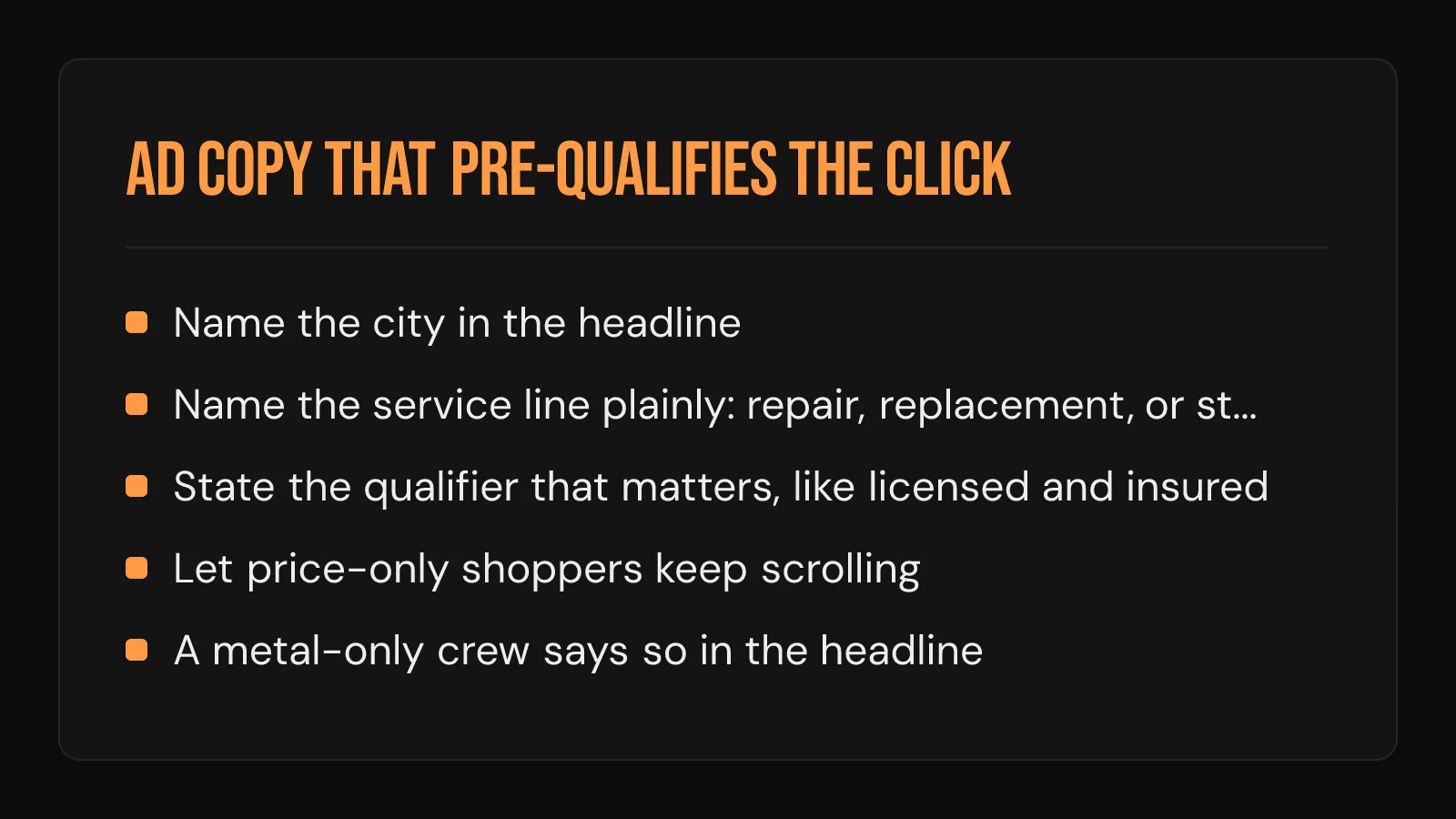
The click costs the same whether the caller is a fit or a mismatch, so the ad's job is to talk the wrong searcher out of clicking. Filtering in the ad is free. Filtering by phone costs a crew's afternoon. Three moves do most of the work:
- Name the city in the headline, so the searcher two counties over self-selects out
- Name the service line plainly: repair, replacement, or storm damage inspection. A vague roofing promise filters nobody
- State the qualifier that matters, like a licensed and insured crew or a written quote timeline, so price-only shoppers keep scrolling
A crew that only installs metal and says so in the headline stops paying for asphalt clicks that same day. Every clarifying word in the ad removes a click that would have been wasted money.
The Landing Page Decides What Every Click Costs
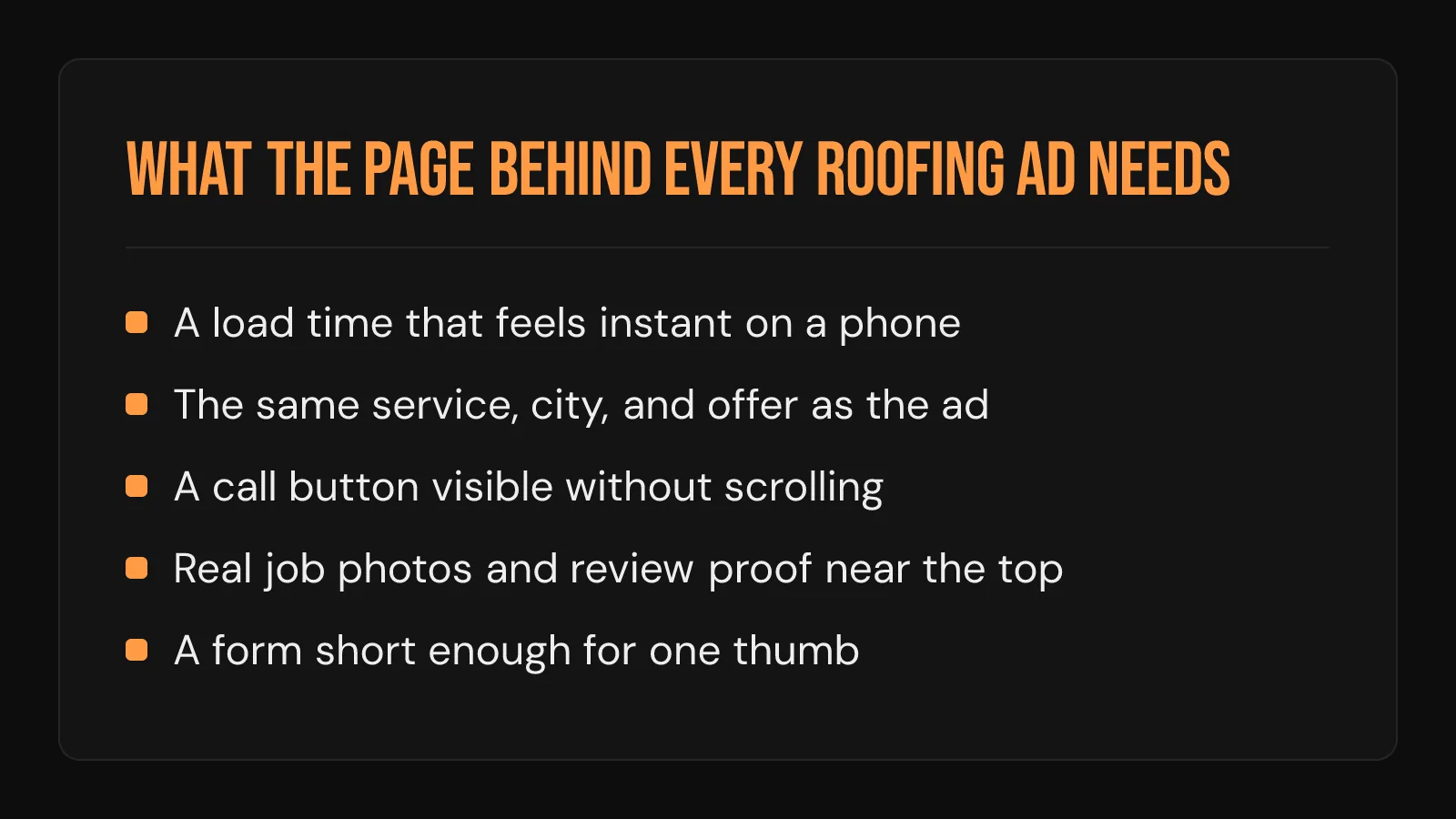
Ads get judged before anyone calls, on the page the click lands on. 53% of mobile visitors are gone before a three-second site ever finishes loading, and the auction charges for those clicks anyway. The page every roofing ad points to needs:
- A load time that feels instant on a phone on cell service
- A match to the ad: same service, same city, same offer
- A call button visible without scrolling, wired to a phone someone answers
- Real job photos and review proof close to the top
- A form short enough to finish with one thumb at a stoplight
Send the click to a page about the exact service the ad promised. A generic homepage makes the homeowner hunt, and she does not hunt for long.
Budget Math From the Real Cost Per Lead
A roofing lead from Google Ads averages $228, and top performers still pay under $75, according to LocaliQ. Budget from that number honestly. Divide the monthly budget by the average and the result is the lead count a fair test can expect. Divide again by the share of leads the crew actually closes and the output is booked jobs per month, the only line worth judging.
A daily budget too small to buy a handful of clicks produces a test that never finishes reading out. Better to run a real budget for a defined window and track every job back to the search that produced it. What a click into a weak page really costs is laid out in the real economics of Google Ads for roofing companies.
Search Ads or Local Services Ads First
Google sells roofers two different products, and they bill in two different ways:
| Search ads | Local Services Ads | |
|---|---|---|
| How it bills | Per click, whether or not anyone calls | Per lead who actually contacts you |
| Trust signal | Whatever the ad and page earn | Google Guaranteed badge after screening |
| What you control | Keywords, copy, landing page | Profile, reviews, service categories |
| Setup lift | Campaign build plus a landing page | Business verification and background checks |
For a crew without a proven landing page, per-lead billing carries less risk as a first paid dollar. Search ads reward the operator who has already done the work in this guide, because keywords, copy, and the page are exactly the levers Search hands over. How Local Services Ads pricing and the badge actually work covers the per-lead billing, the lead sharing, and what disputing a bad lead involves.
When to Stop, Scale, or Hand It Off
Judge the account across a full season of local weather, on one number: cost per booked job. Clicks, impressions, and even cost per lead all flatter an account that produces calls nobody converts. Call a lead inside five minutes and you are 100x more likely to reach them and 21x more likely to qualify them than if you wait half an hour, so response speed sits inside the ad math whether the owner likes it or not.
Scale when the cost per booked job clears the margin on those jobs with room to spare. Stop when a full clean season of tight negatives and matched landing pages still cannot get the number under what a job is worth. Hand it off when the math works but the weekly attention does not: vetting a roofing PPC expert before handing the account over lists the questions that matter.
Broader channels answer to a looser version of the same test. Starting a TV advertising buy for a roofing company walks through why a broadcast or streaming flight is so much harder to trace back to a booked job than a search click is.
The Trust Process does not run ad campaigns or manage ad spend. The work here is the landing side of the same math: the website the click arrives on, the Google Business Profile the homeowner checks next, and the follow-up that answers before she dials the second number. Run the account so every dollar traces from search to booked job, and how to market a roofing company with Google Ads stops being a gamble.
Frequently Asked Questions
Do Google Ads work for a roofing company running the campaign itself?
Yes, when the build order holds: tight geo targeting, phrase and exact match, a weekly-fed negative list, and a landing page about the exact service in the ad. Owner-run accounts fail on skipped fundamentals far more often than on missing expertise. The platform gives a self-serve operator every lever an agency gets.
Is $20 a day enough to market a roofing company with Google Ads?
Measured against the LocaliQ lead-cost average covered in the budget section, a month at that level funds only a couple of average-priced leads, so the test takes months to say anything trustworthy. A stronger approach runs a larger daily budget over a shorter, defined window. The verdict arrives faster and costs about the same in total.
How much time does running your own Google Ads campaign take each week?
Plan a weekend for the initial build, then a focused hour each week. The weekly block covers the search terms report, new negative keywords, and a budget check against booked jobs. The search terms report can never be skipped, because it is the only place the account shows what it actually bought.
What should change after a Google Ads budget that burned without booking jobs?
Most burned budgets trace to clicks that should have been filtered and calls that rang too long. Before funding the account again, add the roofing negative list, split services into their own campaigns, point every ad at a matching landing page, and fix response speed. Rerun the test only once all four are in place, so the second read is a real one.